Bluetooth Connection
Bluetooth connections are overall managed by Android through Settings/Connections/Bluetooth.
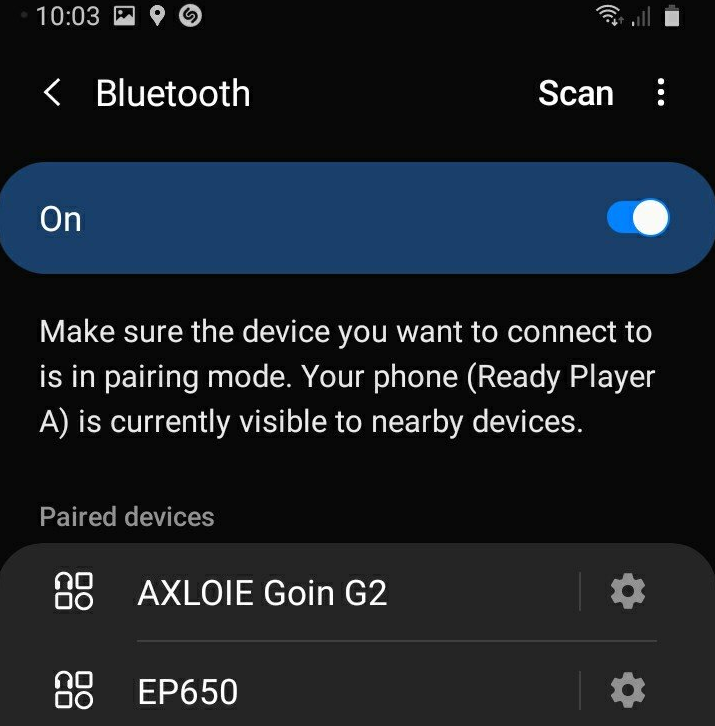
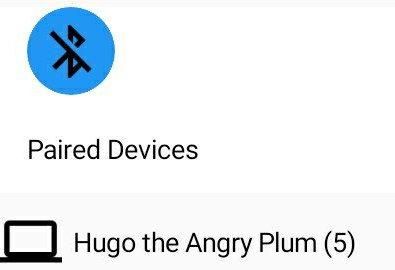
This app shows a list of paired devices, and you may select and connect a paired smart phone or tablet which also has this app installed, while both devices should already have Bluetooth turned on.
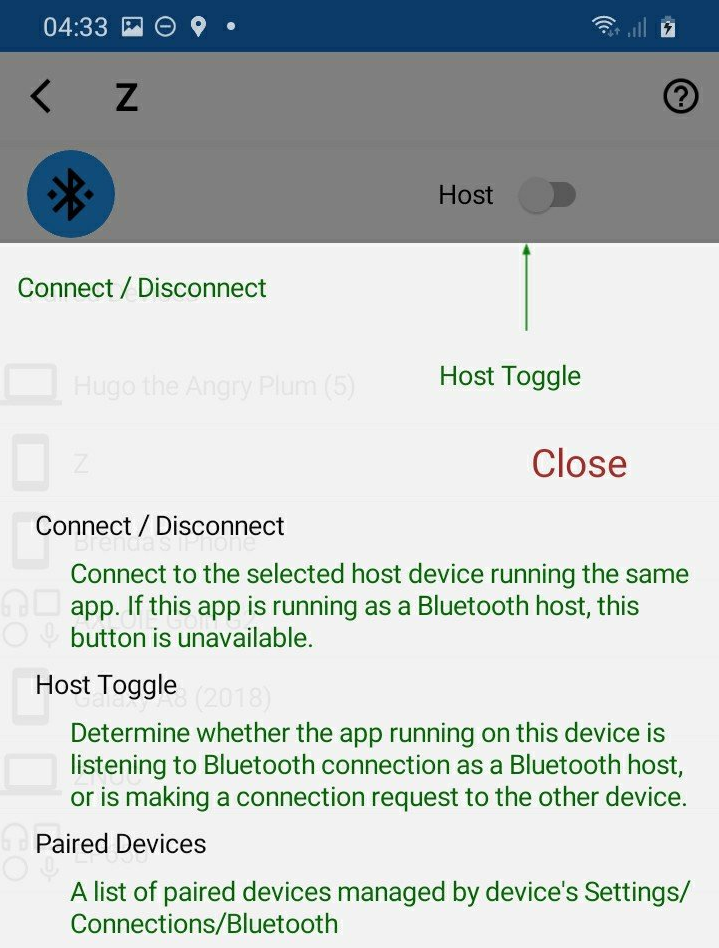
Instructions for initial app connection:
1. Player A has the app setup being a host, and player B has the app setup being a client.
Player A (e.g. Ready Player A):

Player B (e.g. Z):
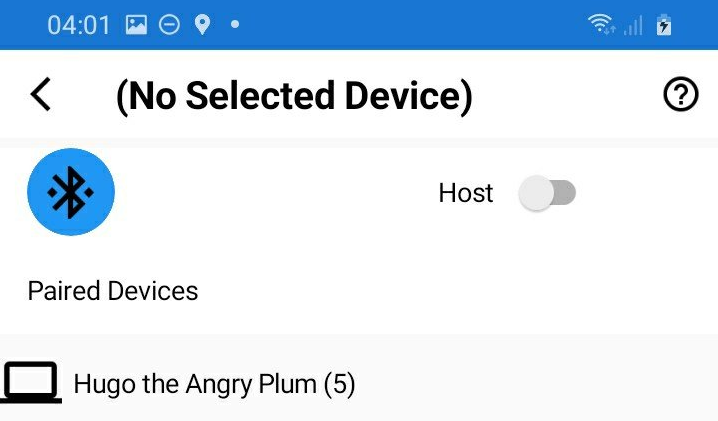
2. Player A presses the Listening button to have the app listening to request of Bluetooth connection from the client, and player B press the Connect button to connect to the app running on phone A.
Play A (e.g. Ready Player A):
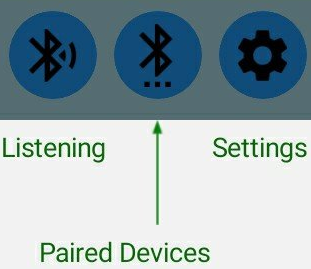
Press the Listening button,

you will see:
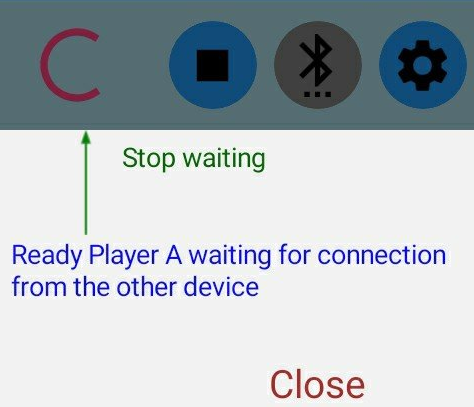
You may press the stop button if you want to abort the connection process. Otherwise the host device will keep listening until the client device had connected successfully.
When connected, you will see:

The Disconnect button is for disconnecting with the client device.
Once connected, the Play buttion in the main screen is enabled.
Player B (e.g. Z)
After selecting device A (e.g. Ready Player A) from the Paired Device list, player B presses the Connect button, then device B is connecting to device A which is waiting for connection.
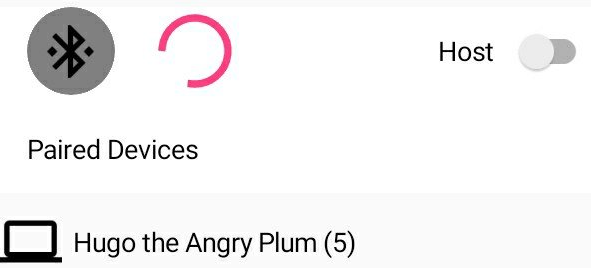
Once connected, the Disconnect button will appear.
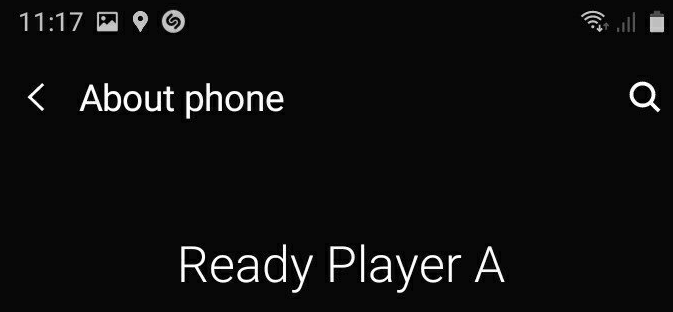
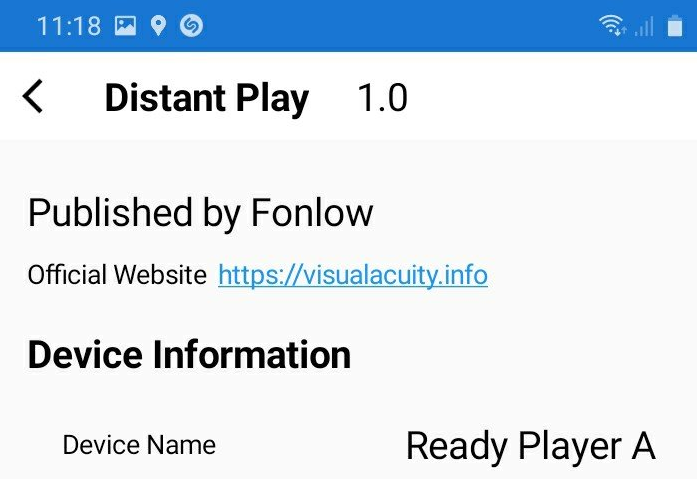
Device Name
Device name may be found at device's Settings/About, or at app's Settings/About.